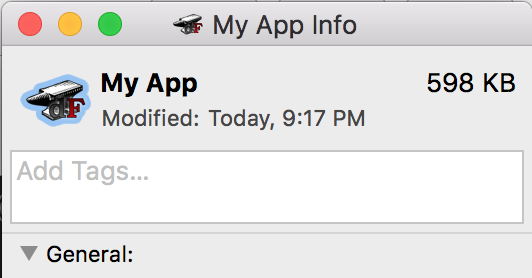
If you have an Apple Script that you’ve saved as an application, here’s a way to change the icon for it. The process is straightforward and mainly involves copy/paste.
- Create an icon in any format. For best results, make sure it’s a square image.
- Go to https://iconverticons.com/online/ and download the
.icnsfile it produces. - In Finder, double-click the
.hqxfile that you just downloaded, which will extract to a randomly named file. - Right-click on the new file and select Get Info.
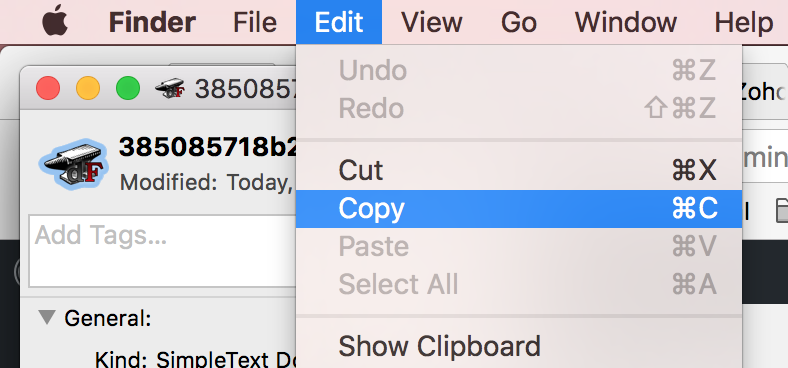
- Select the icon at the top of the Get Info window and copy the icon:
- Right-click on the Apple Script application you want to change the icon for and select Get Info.
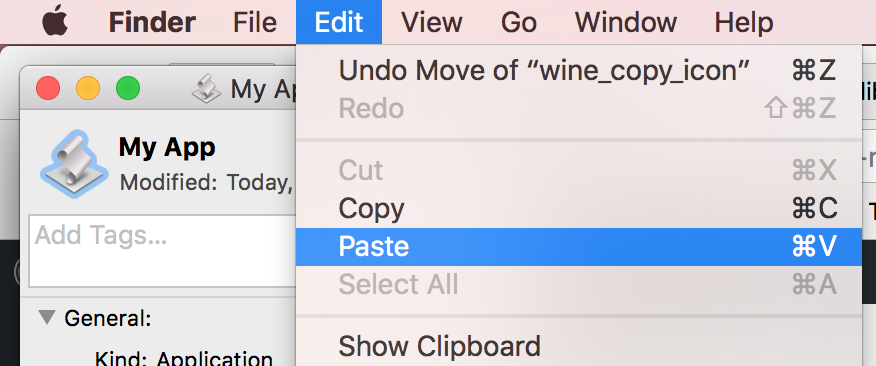
- Select the icon at the top of the Get Info window and paste the icon:
- The Get Info window should update to the new icon: